How Much Does Your Home Sound System Cost to Run Each Month?
Denon rates its soundbar and receiver at a fraction of a watt in standby, and Sonos and KEF list a few watts. Both are far below Engadget's 20 to 50 W. Playing costs little at U.S. rates, and the subwoofer is the box worth checking with a plug-in meter.
views
In August 2026 the average U.S. home paid 18.16 cents per kilowatt-hour, the EIA's preliminary figure, up from 17.57 cents a year earlier. Low standby ratings and eco modes are nothing new in home audio, and the makers' own spec sheets show it. Denon lists its DHT-S316 soundbar and AVR-X3900H receiver at a fraction of a watt in standby, and Sonos and KEF list their network speakers at between 1.3 and about 6 W. Playing is cheap too. Engadget's own worked example puts a 100 W amplifier played five hours a day at about $2.94 a month, and Denon rates the soundbar at 40 W while KEF gives its LSX II LT powered pair 14.5 W. The 20 to 50 watts of standby that Engadget quotes matches none of those spec sheets, and I think it sends people worrying about the wrong box. The one that deserves a closer look is the subwoofer.
Is 20 to 50 watts of standby really normal?
The range comes from an Engadget explainer on sound system electricity use, which says a typical home sound system draws 20 to 50 watts in standby and up to 200 watts at maximum volume. It gives no source for that range.
Denon's own pages put standby far lower. The spec page for the DHT-S316 soundbar lists 40 W operating and 0.3 W in standby. The AVR-X3900H receiver is lower again on paper: Denon's manual gives 0.1 W in standby, provided Network Control is set to Off In Standby and HDMI Pass Through is off. In HDMI CEC standby the figure is 0.5 W, still nowhere near 20.
Network speakers sit higher, and Sonos publishes the figures product by product. Its support page on idle power lists the Beam at about 5.8 to 6.04 W on 120 V, measured with the microphone on, the Arc at 4.3 W, the Arc Ultra at 4.6 W and the Era 100 at 1.98 W. The pages do not agree on everything. The English page gives the Arc 4.4 W on 230 V, and the Italian one gives it 3.0 W.
KEF's power figures for the LSX II say under 2 W in standby. The primary speaker draws 2.7 W in high-power standby or 1.3 W in eco network standby, and the secondary draws 0.6 W.
Some boxes in a home theatre do reach Engadget's range, I'll grant that, and the owner reports on subwoofers point straight at one of them. But I think the explainer goes wrong by putting a subwoofer-sized figure on the whole system, soundbar and receiver included. Denon's spec sheets for its two units say well under a watt. The Sonos and KEF speakers that stay on the network list a few watts. Neither is anywhere near 20.
What does playing actually cost?
The arithmetic is short. Engadget's formula takes watts times hours divided by 1,000 to get kilowatt-hours a day, then multiplies by the days in the month and your rate. Its own example uses $0.196 per kWh and a 100 W amplifier played five hours a day, which comes to about $2.94 a month and nearly $36 a year.
That rate sits above both figures in the EIA's monthly price table, 17.57 cents for August 2025 and a preliminary 18.16 cents for August 2026, so for an average U.S. home the example errs on the high side. Every device below is held to Engadget's five hours a day, and every figure is a maker's rating, not a measurement of anyone's living room.
The Denon soundbar's 40 W rating is well under the 100 W of Engadget's example amplifier. Played for the same five hours a day at the same rate, it costs less than that example's $2.94 a month, and less again at the EIA's average.

KEF rates the LSX II at 200 W operating, but the LSX II LT manual gives a powered-on figure of 14.5 W and 1.2 W in standby. That powered-on figure is lower than the soundbar's 40 W, so a month of the powered pair on the same terms comes in lower still.
The receiver is where the label misleads in the other direction. The AVR-X3900H manual gives 660 W as its operating rating, which is a maximum and not a typical playing figure. Put that number into the formula and the result describes a receiver at full stretch for five hours every day, which is not normal listening. Denon gives no typical listening figure, so the spec sheet cannot tell you what the receiver costs at normal volume. Only a meter at the wall can.
Standby works on the same formula with one change: the device draws around the clock, not for five hours. With Denon's 0.3 W for the soundbar, 0.1 W for the receiver and 0.5 W for its CEC mode, the daily kilowatt-hours are tiny, and so is the bill that follows. Engadget's 20 to 50 W would be a different story, a sizeable share of its own 100 W example amplifier drawn every hour of the day instead of five.
The subwoofer is where the scary numbers actually live
A powered subwoofer carries its own amplifier, and whether that amplifier sleeps or stays awake makes the biggest difference of anything here. Arendal lists the 1723 subwoofer at 3 W in standby and 17 W when active but not playing. Left awake, that sub draws its 17 W around the clock, while the Denon soundbar draws its 40 W only for the hours it plays.
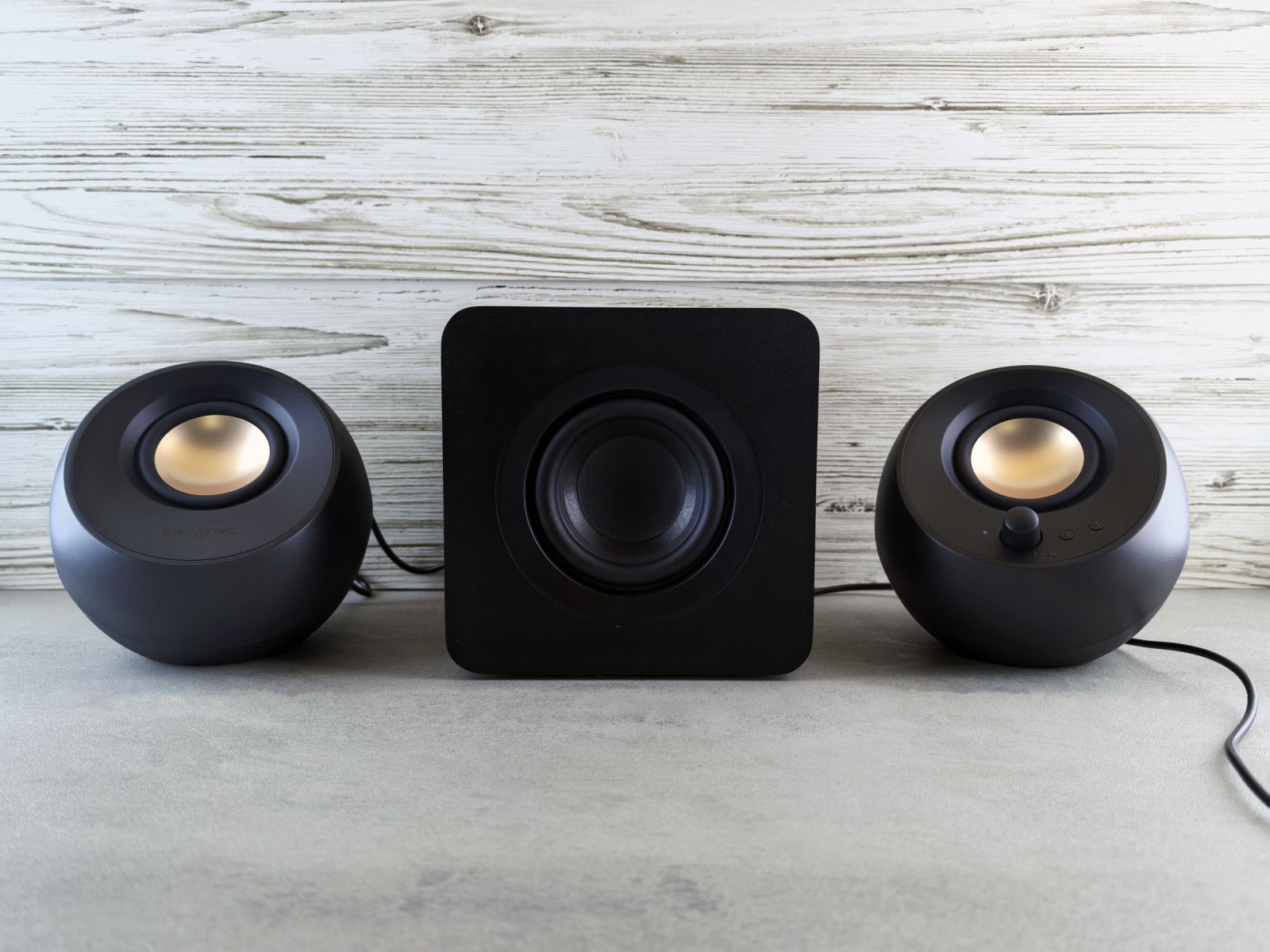
The sleep modes still use power. MartinLogan says its subwoofers draw about 10 W idle in Auto, Trigger or Standby, depending on the model. That is 10 W in the very modes meant to save power, against Denon's 0.3 W for the soundbar in standby. REL says its subs idle at around 7 to 9 W, and puts the 200 W T/7x at around 7 W. Both are the brands' own figures.
Owners report worse. In an Axiom forum thread, the figures given are 17 W in standby and 28 W idle but active for an Axiom sub, about 50 W idle for a REL R-218, and about 6 W in standby and 20 W on for a Paradigm PW-2200. These are owner-reported figures, not lab results, and the REL number sits well above what REL says about its own range. They deserve care, but they show where Engadget's 20 to 50 W can actually turn up, which is a single subwoofer left awake. A sub idling at 28 W around the clock sits inside that range all on its own.
You can check your own system with a plug-in meter
A plug-in watt meter is the whole method. The Energy Trust guide to the Kill A Watt describes it plainly: plug the meter into a wall socket or power strip, then plug the device into the meter. The guide says the meter is not for 240 V appliances, and a sound system on an ordinary U.S. wall socket is not one of those.
For playing, Engadget advises taking readings at both low and high volume to get a realistic range. I think that is the right instinct, especially for a receiver whose spec sheet gives only a 660 W maximum. Note the figure at your usual level, turn it up and note it again, then put both into the formula above with your own rate and hours. For standby, switch the system off with the remote and read the meter once the figure settles. Then meter the subwoofer on its own in each of its modes, since that is where the figures above say the big numbers are.
Cheap meters are weakest in exactly the range where the Denon standby figures sit. Lawrence Berkeley National Laboratory's standby guide says most meters are reasonably accurate but that the errors grow relatively larger below about 1 W. How-To Geek says the same about basic meters, the Kill A Watt included, below 1 W and especially below 0.5 W. So for a box whose spec sheet lists a fraction of a watt, the spec sheet is the better guide to the exact number. The subwoofer figures above, from 3 W to about 50 W, sit well clear of that weak range.
Cutting standby is worth a few minutes and not much more
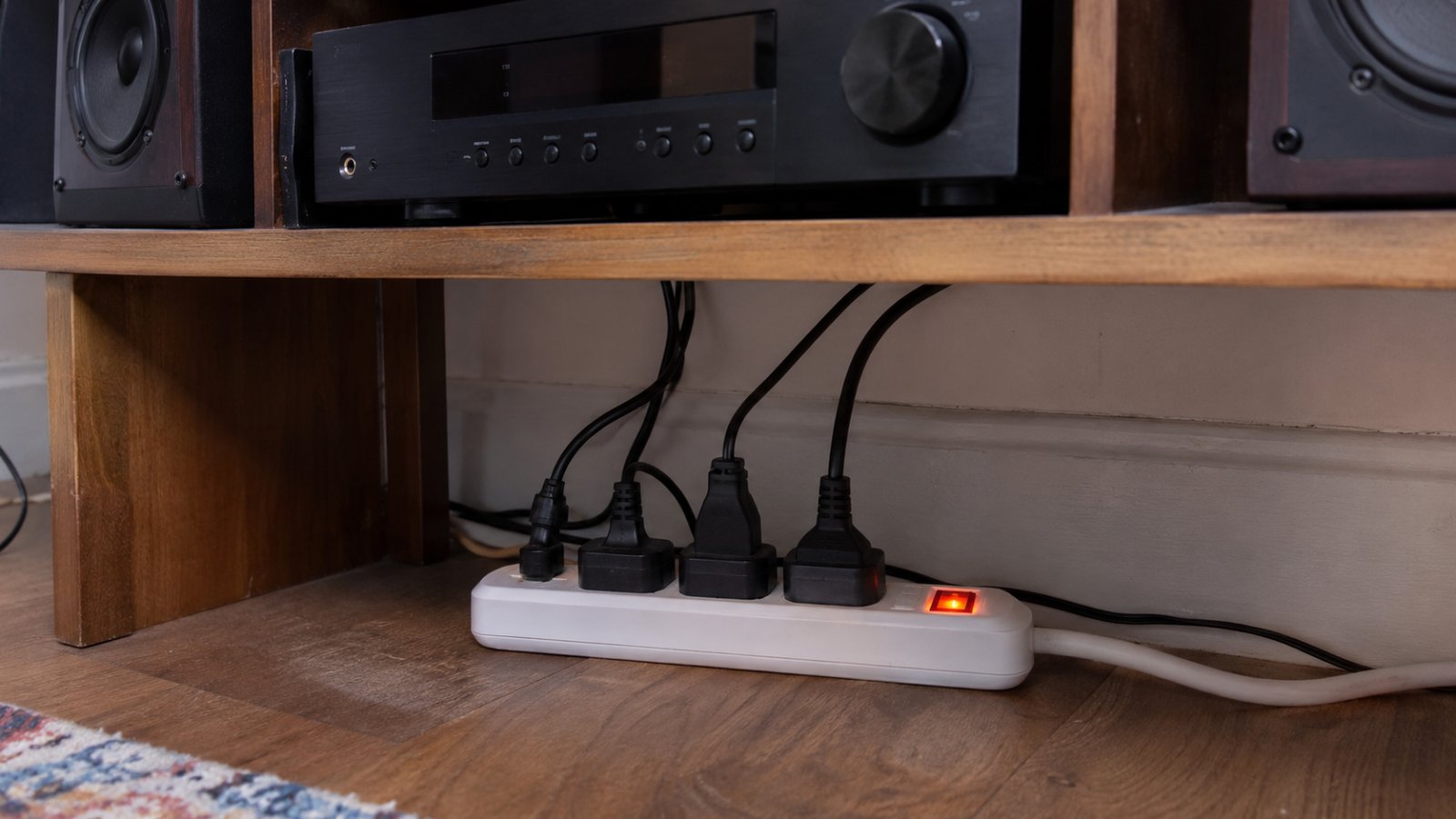
The bluntest fix is the one LBL suggests for clusters of gear: a switchable power strip, so you can switch everything to zero with one action. If a receiver, sub and powered speakers share one strip, one switch removes their standby together. Engadget also suggests smart plugs for cutting standby.
The settings route is gentler. On the Denon soundbar, Bluetooth standby draws 1.6 W against 0.3 W in plain standby. On the LSX II, moving the primary speaker from high-power standby to eco network standby drops it from 2.7 W to 1.3 W. On the X3900H, the 0.1 W figure needs both Network Control Off In Standby and HDMI Pass Through off, against 0.5 W in CEC standby. I would not give up a feature used every day to save a watt or two.
The subwoofer is the one box where a setting moves the draw by more than a watt or two. On Arendal's numbers, standby instead of staying awake takes the 1723 from 17 W to 3 W, around the clock. MartinLogan's subs keep drawing about 10 W even in Auto, so on those the power strip does more than the mode switch.
Metering your system costs you a few minutes, and what you get back is proof that standby on a soundbar, receiver or powered pair runs from a fraction of a watt to a few watts, not the 20 to 50 W the big range suggests, with the subwoofer as the one box worth a second look.

Ondřej Malík
Graphics cards and PC hardware are the main subjects for Ondřej Malík. He also explains the chips inside ordinary laptops and what they mean for buyers.
View profileRecommended for you
More stories →
Do You Need an NPU in Your Next Laptop?
Your Ethernet Is Probably Running at 100 Mbps, and Wi-Fi Is Beating It

Outlook is recovering on day two, and Microsoft says it has no indication of a hack

Leave a Comment