Six Kinds of Charging Cable Damage, Ranked From Bin Today to Bin Soon
A triage table ranks six kinds of charging cable damage, from exposed wire to a plug that only charges at an angle, and says how soon to bin each. It covers why frayed cables run hot, why tape is no fix, and what the USB-IF logo, e-markers and reinforced joints say about a replacement.
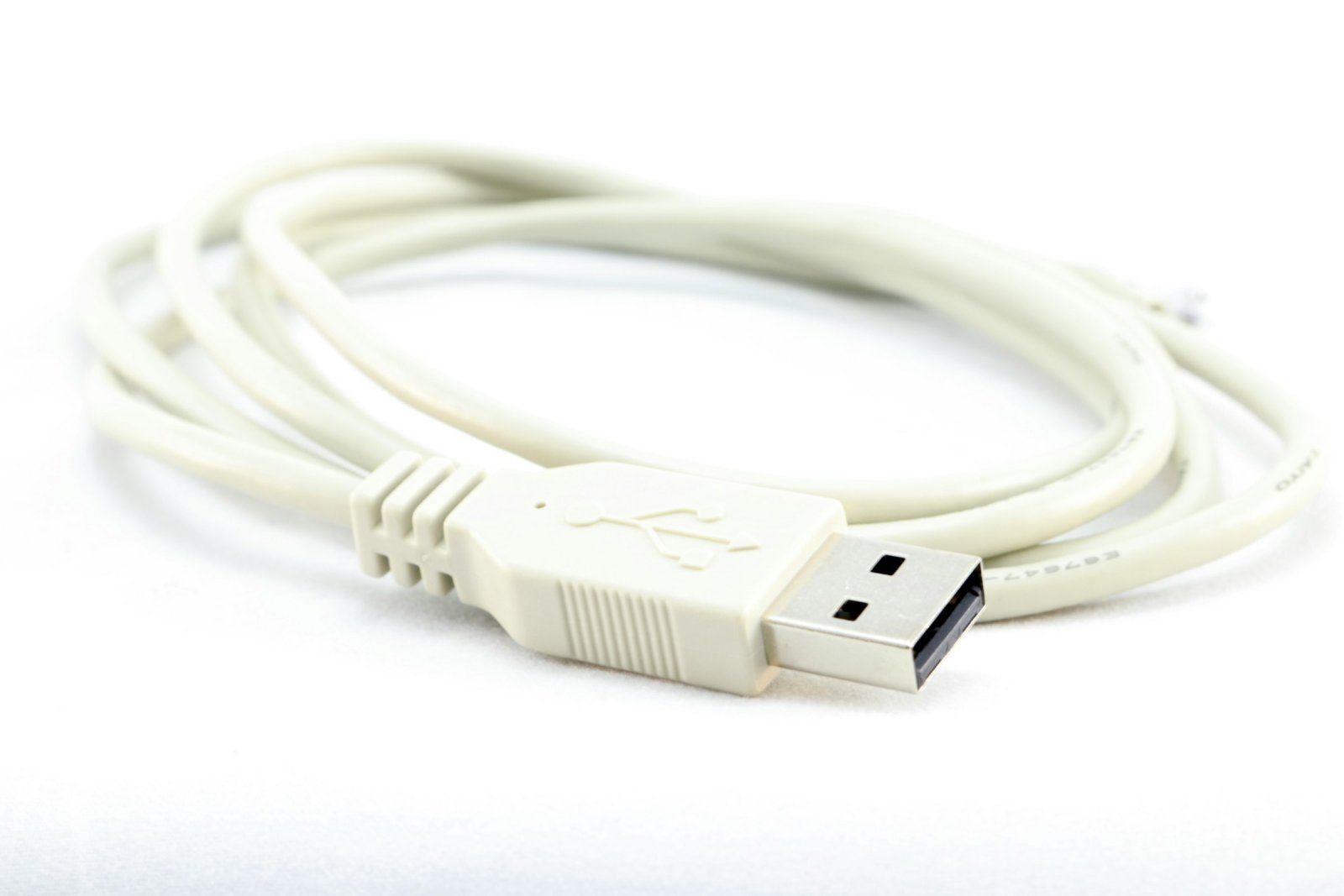
views
That cable with bare copper at the neck still charges your phone, so what is it costing you to keep using it? No sourced cable prices exist, so there is no cost-per-year sum to build. The cost side comes down to one comparison, and it belongs at the end. The safety side starts with how cables wear out.
Wear is built in. Engadget's piece on old and damaged charging cables says that after being plugged in and disconnected countless times, a cable is "going to degrade, bend, break down, or split apart." What matters is which kind of wear only looks bad and which kind is a hazard.
A triage table for six kinds of damage
No source here supports keeping a damaged cable or repairing one. How-To Geek is plain about it: "It's usually better to buy a new replacement cable than to attempt to fix it yourself." So the verdict column runs from bin today to bin soon, and the only difference between them is urgency. The risk order is my judgment. The rows for heat, a discoloured plug and angle-only charging are also judgment, because none of the sources treats those three as damage signs. The Basis column shows which rows are sourced and which are judgment.
| Damage | Risk | Verdict | Why | Basis |
|---|---|---|---|---|
| Wire visible through the outer jacket | Highest | Bin today | How-To Geek: any exposed wire means the cable is "on its last legs." Engadget: USB is low voltage, "but you don't want to chance it" | Sourced |
| Cable or plug gets hot while charging | High | Bin today | Engadget: broken strands turn more energy into heat, concentrated in a smaller area | Mechanism sourced, symptom is judgment |
| Discoloured plug | High | Bin today | Read here as a sign of past heat, so the same mechanism as the row above | Judgment |
| Fraying at the strain relief, no wire showing | Medium, rising | Bin soon, no tape | Engadget: tape leaves the broken strands broken. PopSci: wiggling the frayed area weakens the wires further | Verdict sourced, rank is judgment |
| Bent or loose connector | Medium | Bin today | Apple: stop using a damaged cable | Verdict from Apple's search summary, rank is judgment |
| Charges only at certain angles | Medium | Bin soon | Hunting for the working angle is the wiggling PopSci warns against | Judgment |
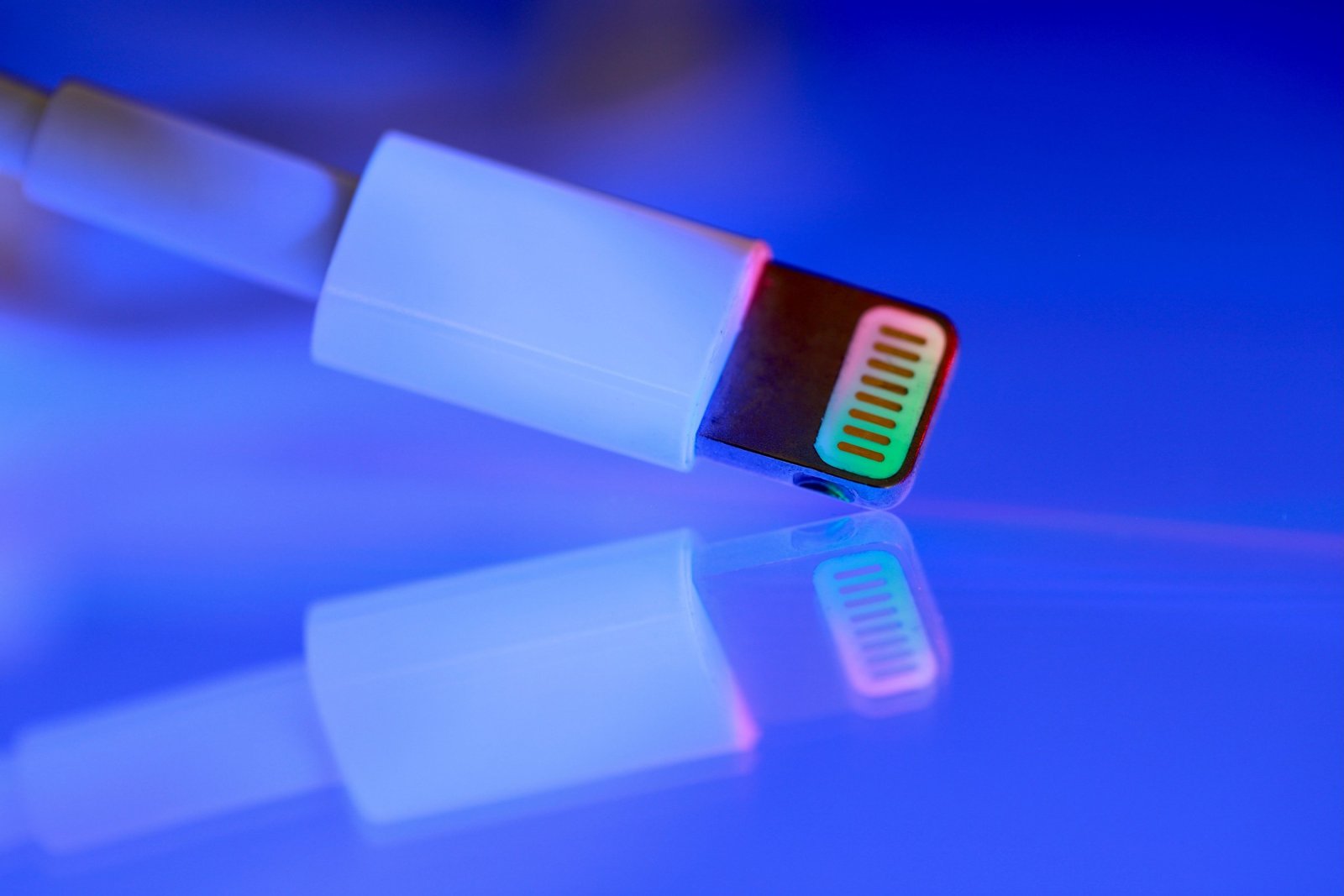
The bent connector row rests on Apple's guidance. Apple's support page on adapters and cables, which could not be opened directly at the time of writing, is summarised in search results as telling owners to stop using a damaged cable. So a bent plug goes in the bin today column, even though its risk label is medium.
A safety body gives the same answer on repair. PopSci reports that the Electrical Safety Foundation International (ESFI) recommends against repairing broken cables at all, which is why no row offers a repair.
Why frayed cables heat and shock
Heat comes first. Broken strands raise resistance, Engadget explains, so "more energy will turn into heat as the current passes through, with that heat concentrated in a smaller area."
On fire, the same piece is careful with the odds: "I'm not suggesting every frayed USB cable will lead to a fire, but it's a possibility." The table treats that possibility as reason enough to bin a cable that runs hot. Shock gets a single line. USB leads carry low voltage, Engadget says, "but you don't want to chance it."
Here is the catch with electrical tape. It covers the damage, and that is all it does: the broken strands inside "aren't getting fixed," in Engadget's words. The heat comes from those strands, so it is still there under the tape. Wiggling makes it worse. Working a frayed section back and forth "only weakens the wires further and delays the inevitable," according to PopSci. A taped cable that charges at only one angle gets bent at the damage again and again, and that is the wiggling PopSci warns against.
Picking a safe replacement
The cheapest cable on the shelf has a catch of its own. ESFI's warning, as PopSci quotes it, is that "shoddily-made cables can be just as risky as fraying ones." If the new cable is badly made, the risk is still there.
The US recall record has a case. In 2019 Target recalled USB charging cables due to shock and fire hazards, according to the Consumer Product Safety Commission.
Certification marks are the next check, and they have a limit. In 2007 the CPSC warned about dangerous counterfeit electrical products. Only the title of that release was available at the time of writing. A counterfeit copies the product it imitates, and a printed mark is easy to copy. Treat a mark as one check among several.
For USB-C to USB-C cables, the one mark a source explains is the USB-IF logo. ChargerLab's buying guide says that if a cable is USB-IF certified, "you can check out the logo on the connector to get a quick understanding of its data transfer speed." The guide is also summarised as saying that a cable rated above 3A needs an e-marker chip, and that a cable without one is limited to about 60W. That e-marker point is secondary. It comes from a summary of a vendor guide, and the full guide could not be read at the time of writing.
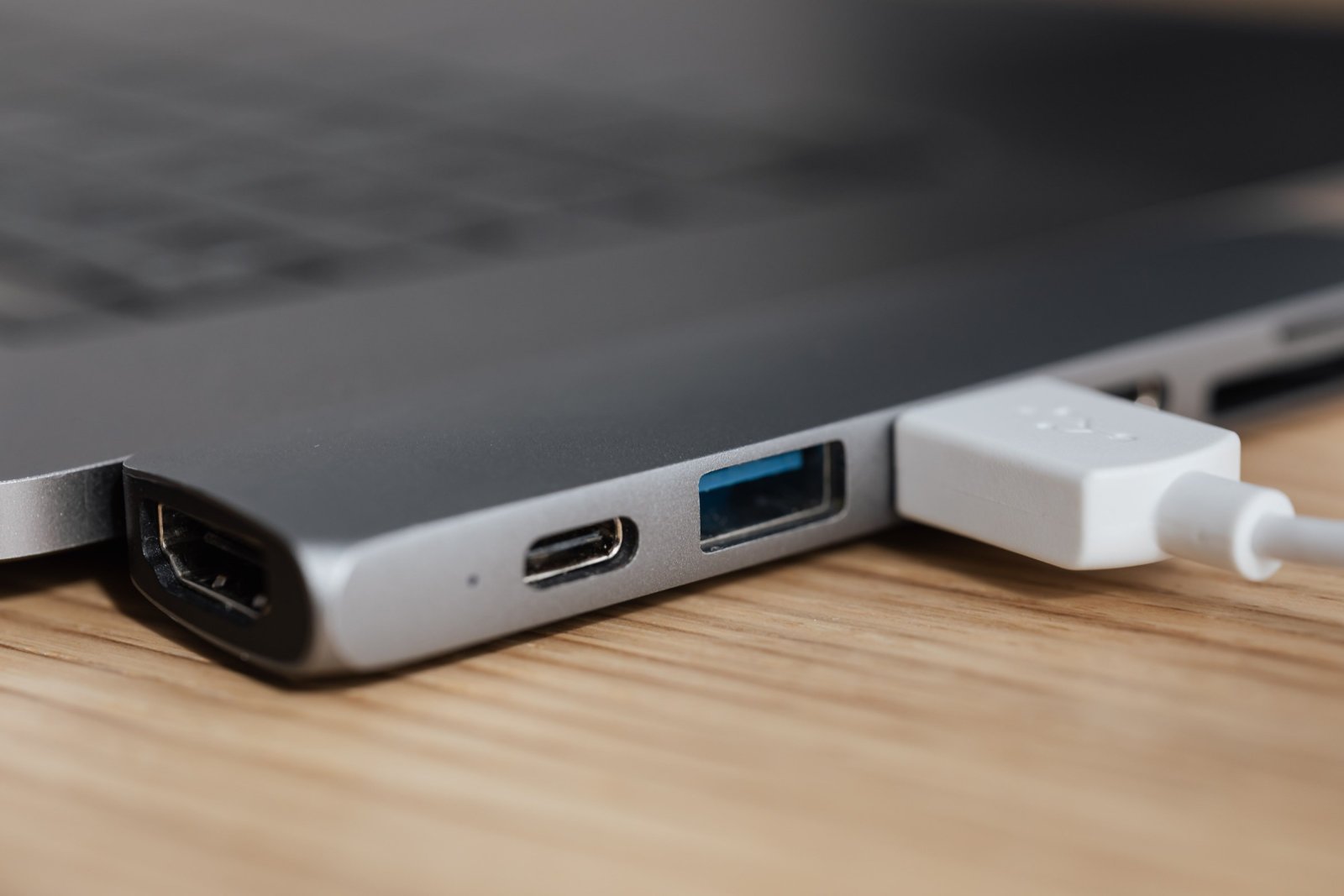
Two kinds of buyer should not pick on price alone. The first needs a USB-C cable to carry more than 3A. By ChargerLab's account that takes an e-marker, so a cable whose spec does not list one is the wrong part. The second is looking at a cable with thin, unreinforced joints. PopSci's advice is to choose one that is "well reinforced at the joints between the cable and the connector." That joint is the strain relief, where the fraying in the triage table starts.
The sources say nothing about brand. None of them names a reputable maker. The checks they do back are the USB-IF logo, an e-marker where the current calls for one, and reinforced joints.
Making the next one last
On PopSci's account, what shortens a cable's life is strain at the same few points. Its prevention advice comes down to four habits:
- Do not bend the cable over and over at the same spot.
- Avoid tight kinks where the cable leaves the charging brick.
- Unplug by gripping the plug at the socket instead of yanking on the cord.
- Once it frays, stop wiggling it to find a working angle.
When the jacket splits anyway, replace the cable instead of taping it. A new cable costs far less than replacing a broken piece of equipment, Engadget notes. If yours has wire showing, it goes in the bin today.

Karim Haddad
Is that discount real? Karim Haddad has tracked the same prices for years to find out. He runs the deals coverage out of Beirut.
View profileMore from Karim Haddad
View all →

Recommended for you
More stories →
How Much Does Your Home Sound System Cost to Run Each Month?
Where the Monitor Cable Goes on a Desktop With a Graphics Card

SpaceX caught a Starship, but the hard part of reuse is still the heat shield
Leave a Comment